 BeaverFlow

Know where a device is and who signed for it last
Track who has what, from the moment it arrives in stock to disposal. For software, compare active subscriptions with the licences you actually bought.
Who it’s for
Asset custodians, inventory controllers and workplace IT
The everyday situation
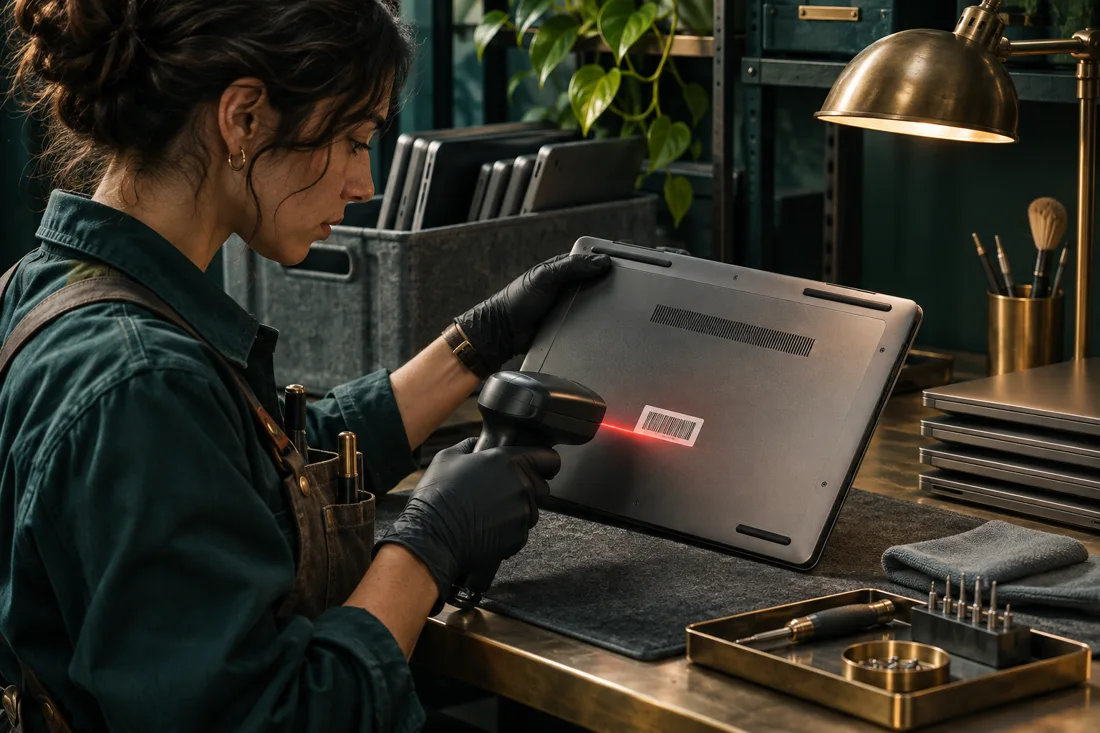
When a laptop comes back, both the serial number and who had it matter. The assignment history tells you whether a device is free or already promised to someone else.
Your 14-day trial
Know who has a device between assignments
Try this
Return a demo laptop, check its serial number and hand it to someone else. Keep the previous assignment on record for the next inventory.
How you’ll know it works
Ask the stock controller who had the device before and after the handover, and whether it can go to a third person.
Notify meIn practice
Whose laptop is this, anyway?
Stocktaking day. There are four laptops in the cupboard and nobody knows who had them last. Two are listed as issued to people who left a year ago. One isn’t on the list at all.
ITAM follows each device from the day it arrives to the day it’s disposed of. Every handover has a name and a date. Software gets the same treatment: what you bought, what you actually use and where the gap is.
It means a returned laptop can go to the next person the same day, with its history intact. Try it with one device: return it, check it and issue it again.
Product capabilities
Record who receives a laptop and what happens to it when it comes back. Warranty and custody history stay with the asset.
For a licence review, compare subscriptions with what you’re entitled to. The team sees which evidence is ready and what still needs clearing up.
- Asset and stock register
- Issue, return, warranty and disposal
- Software, subscriptions and entitlements
- Licence audits

Where it leads next
Finance · IT financial management
Charge a replacement device to the right service and budget period.